DHCP in Linux
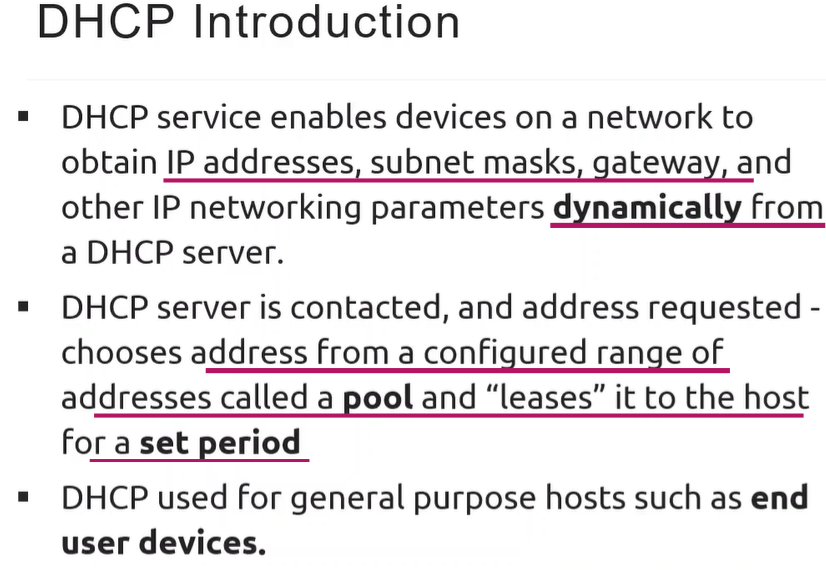
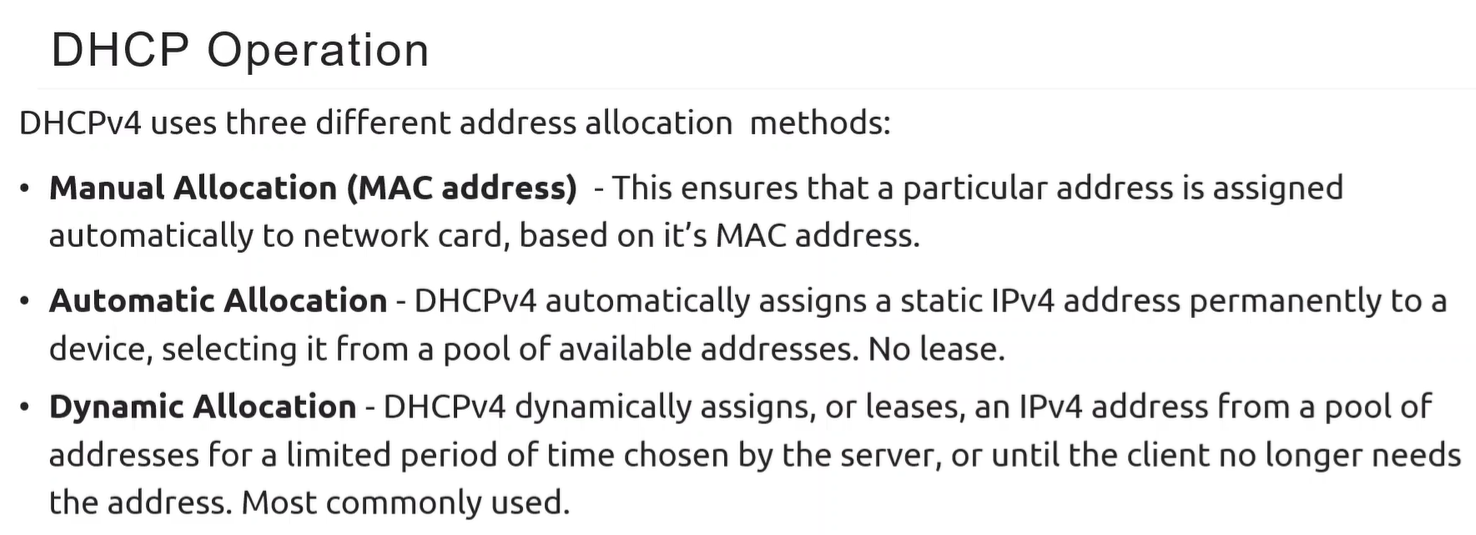
Lease Process
Section titled “Lease Process”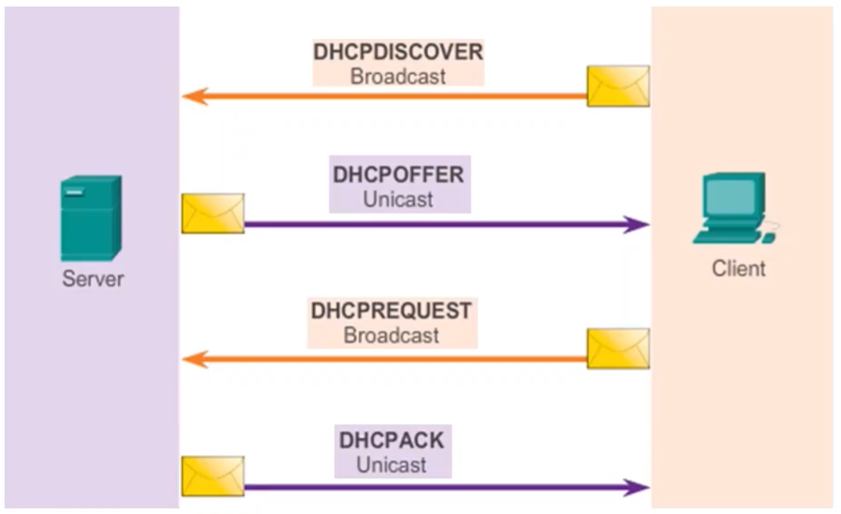
Ubuntu DHCP Server Installation & Setup
Section titled “Ubuntu DHCP Server Installation & Setup”- Installation: Use the command
sudo apt install isc-dhcp-serverto install the daemon (dhcpd). - Logging: Server messages are sent to the system log at
/var/log/syslog. - Configuration File: Primary settings are managed in
/etc/dhcp/dhcpd.conf. - Restarting: Apply changes using
sudo systemctl restart isc-dhcp-server.service.
Configuring dhcpd.conf
Section titled “Configuring dhcpd.conf”The configuration file consists of statements divided into two categories:
- Parameters: Define how or if to do something (e.g., lease duration, allowing unknown clients).
- Declarations: Describe the network layout using keywords like
subnet,host,group, andpool.-
Key Global Parameters
default-lease-time: The duration a client gets if they do not request a specific time.max-lease-time: The absolute limit for a lease; if a client requests more, they are capped at this value.authoritative: Should be uncommented if this is the primary DHCP server for the local network.
-
Subnet & Host Declarations
subnet [addr] netmask [mask]: Describes the network segment for leasing.range [first] [last]: Defines the pool of available addresses allocated sequentially.option routers: Defines the default gateway for clients.option domain-name-servers: Specifies DNS server addresses.host [Name]: Assigns a predefined IP (fixed-address) to a specific device based on itshardware ethernet(MAC address).
-
Example:
dhcpd.confTerminal window default-lease-time 600;max-lease-time 7200;authoritative;subnet **192.168.1.0** netmask **255.255.255.0**{range **192.168.1.150 192.168.1.200**;option routers **192.168.1.254**;option domain-name-servers **192.168.1.1**, **192.168.1.2**;option domain-name **"mydomain.example"**;}host Client1{hardware ethernet 00:02:3f:3d:73:b3;fixed-address 192.168.1.100;}
-
Advanced Controls
Section titled “Advanced Controls”- Interfaces: Edit
/etc/default/isc-dhcp-serverto specify which network card (e.g.,enp0s3) the server should listen on. - Pools: Used to treat groups of addresses differently within the same subnet.
- Groups: Apply parameters to a collection of declarations not related by subnet.
- Allow/Deny Unknown Clients: The
unknown-clientsflag determines if devices without a specifichostdeclaration can receive an IP.
Client-Side Configuration
Section titled “Client-Side Configuration”- Ubuntu: Set
dhcp4: true(oryes) within a Netplan YAML file in/etc/netplan/*.yaml. - CentOS: Edit the interface script (e.g.,
/etc/sysconfig/network-scripts/ifcfg-enp0s3) and setBOOTPROTO=dhcp.
Verification & History
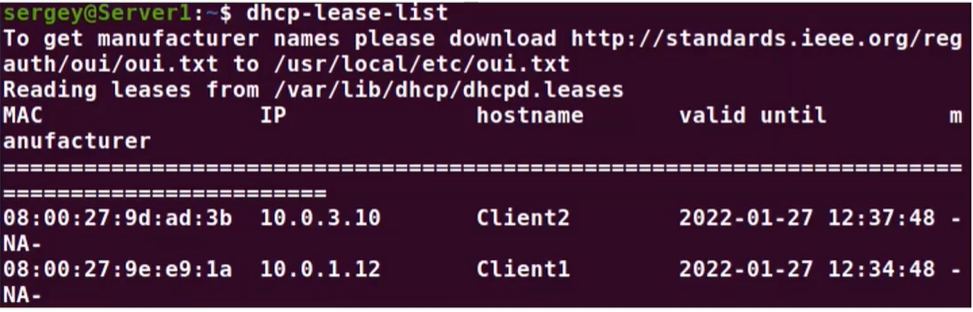
Section titled “Verification & History”- Active Leases: Use
dhcp-lease-listto see currently assigned IPs, hostnames, and expiration times. - Lease History: The file
/var/lib/dhcp/dhcpd.leasesstores the full history and current states (e.g.,active,free) of all IP assignments.