

Hypervisors
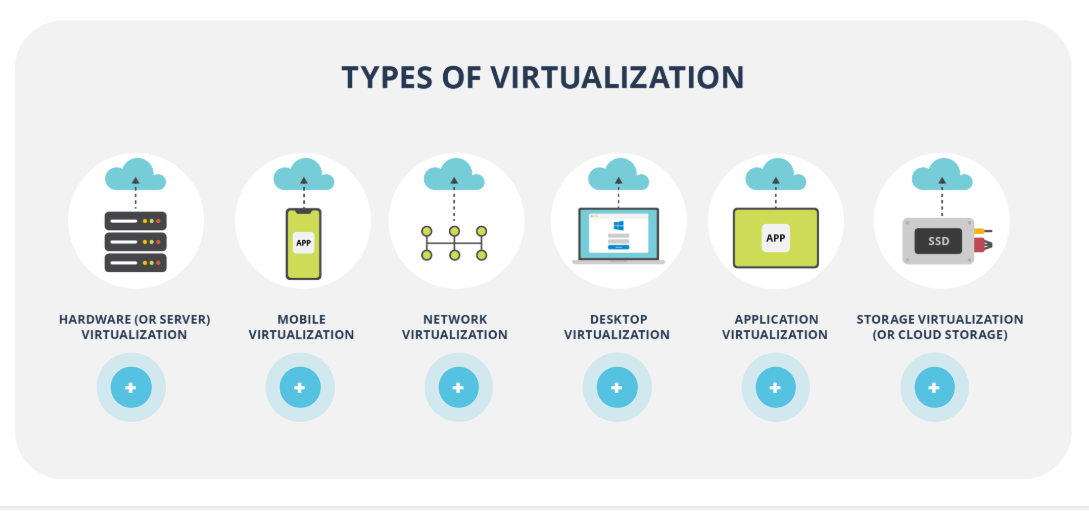
- Virtualization is the process of creating a software-based, or virtual, representation of real objects (e.g. applications, servers, and networks) by using special software (called a hypervisor).
- A virtual machine (VM) is an emulation of a computer system. It uses software instead of a physical computer to run programs and applications.
VMs have the following characteristics:
- Partitioning: there might be several VMs on a single “host” and the resources of the physical system are divided between VMs.
- Isolation: a VM can be isolated from other VMs on the same physical machine in order to prevent any security issues and guarantee a high level of the utilization of resources.
- Encapsulation: in fact, VMs and their states are files saved on a host. Thus, they can be easily moved/copied (also to a different “host” machine) and checked by antimalware programs.
Full Virtualization:
- The guest OS is fully isolated from the host, using binary translation to run unmodified OS instructions on virtual hardware, ensuring high compatibility but with potential performance overhead.
- Example: VMware Workstation running a Windows guest OS on a Linux host, where the guest OS is unaware it’s virtualized.
Paravirtualization:
- The guest OS is partially isolated and aware of the virtualization, using hypercalls to interact directly with the hypervisor, offering better performance and security but reduced compatibility.
- less portable..
- Example: Xen hypervisor running a Linux guest OS, where the guest OS is modified to communicate efficiently with the hypervisor.
-
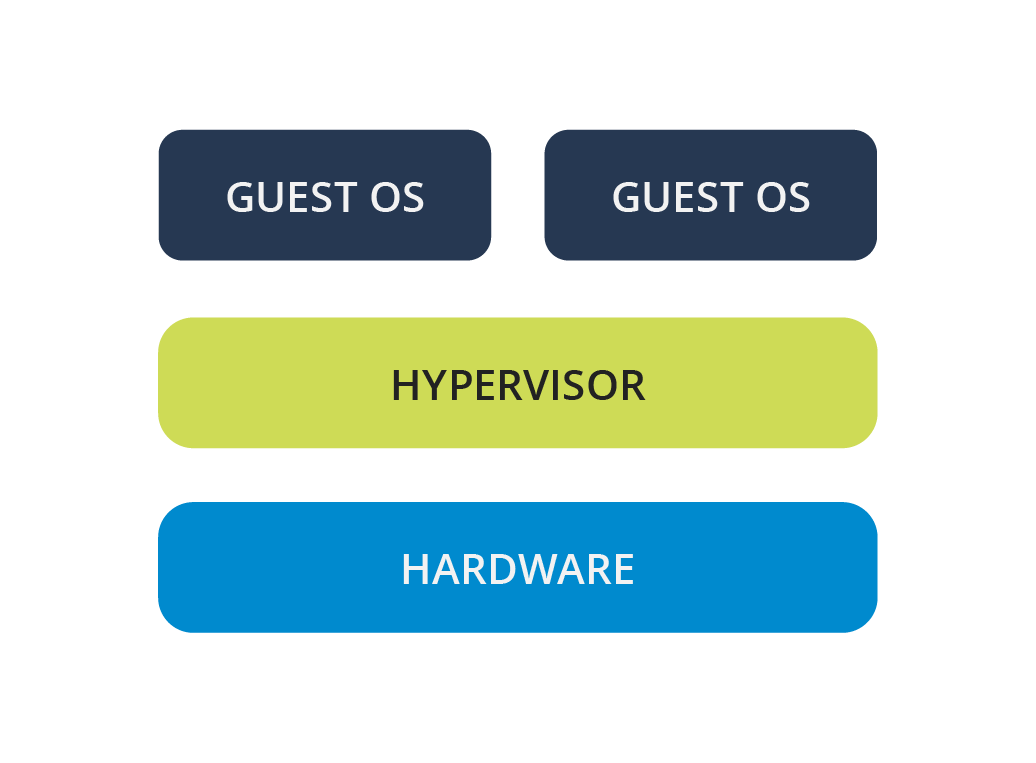
Native / Bare Metal / Type 1:
- These hypervisors run directly on the hardware, without a host operating system. They manage the hardware resources and provide virtual machines with direct access to them.
- Examples include VMware ESXi and Citrix XenServer, which are typically used in server environments for efficient resource management.
-
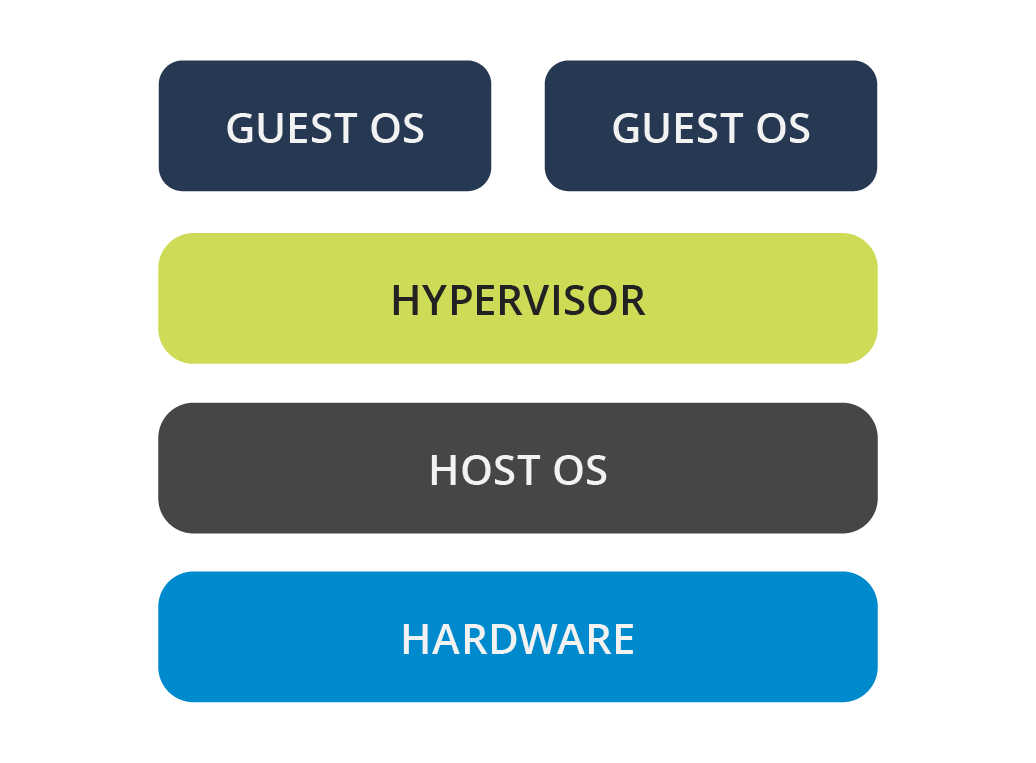
Hosted Hypervisors / Type 2:
- These hypervisors run on top of a host operating system, which manages the hardware resources. The hypervisor then creates and manages virtual machines within this environment.
- Examples include VMware Workstation, QEMU, Parallels Desktop, and VirtualBox, commonly used on personal computers where virtualization is not the primary function.
-
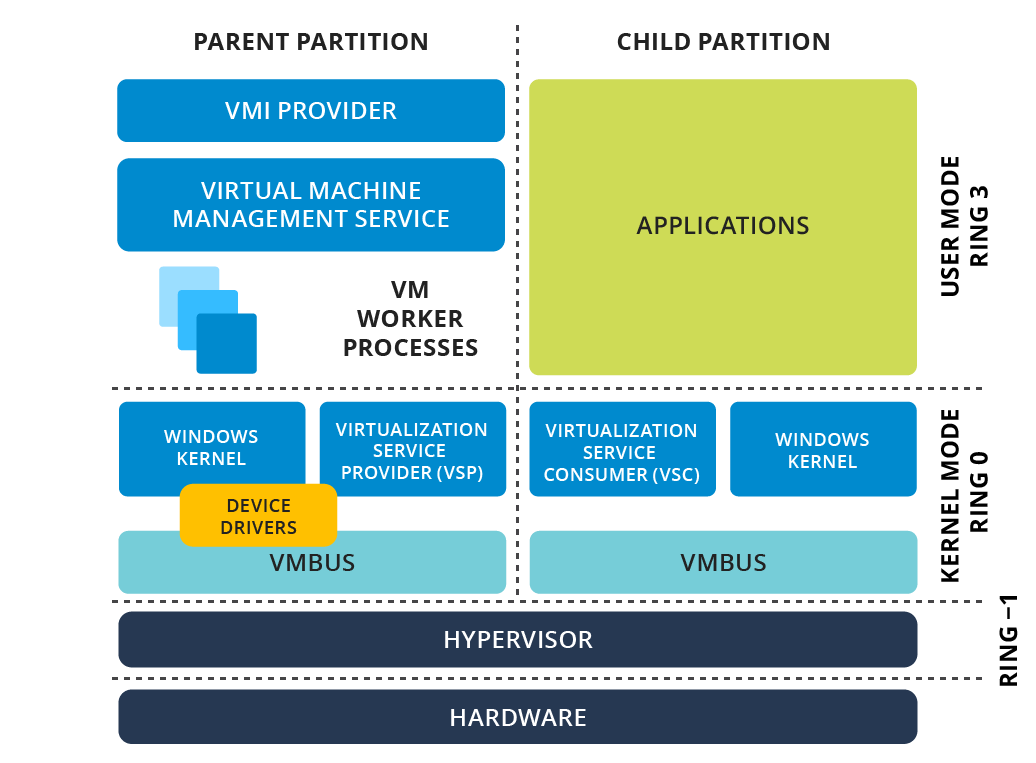
Hybrid Hypervisors:
- Hybrid hypervisors combine elements of both Native and Hosted types. They consist of a thin hypervisor layer that directly controls hardware resources, along with a service OS that runs under its control to manage additional tasks.
- Examples include Microsoft Virtual Server, Sun Logical Domains, Xen, Citrix XenServer, Microsoft Hyper-V, and VMware Workstation, offering a balance between performance and flexibility.
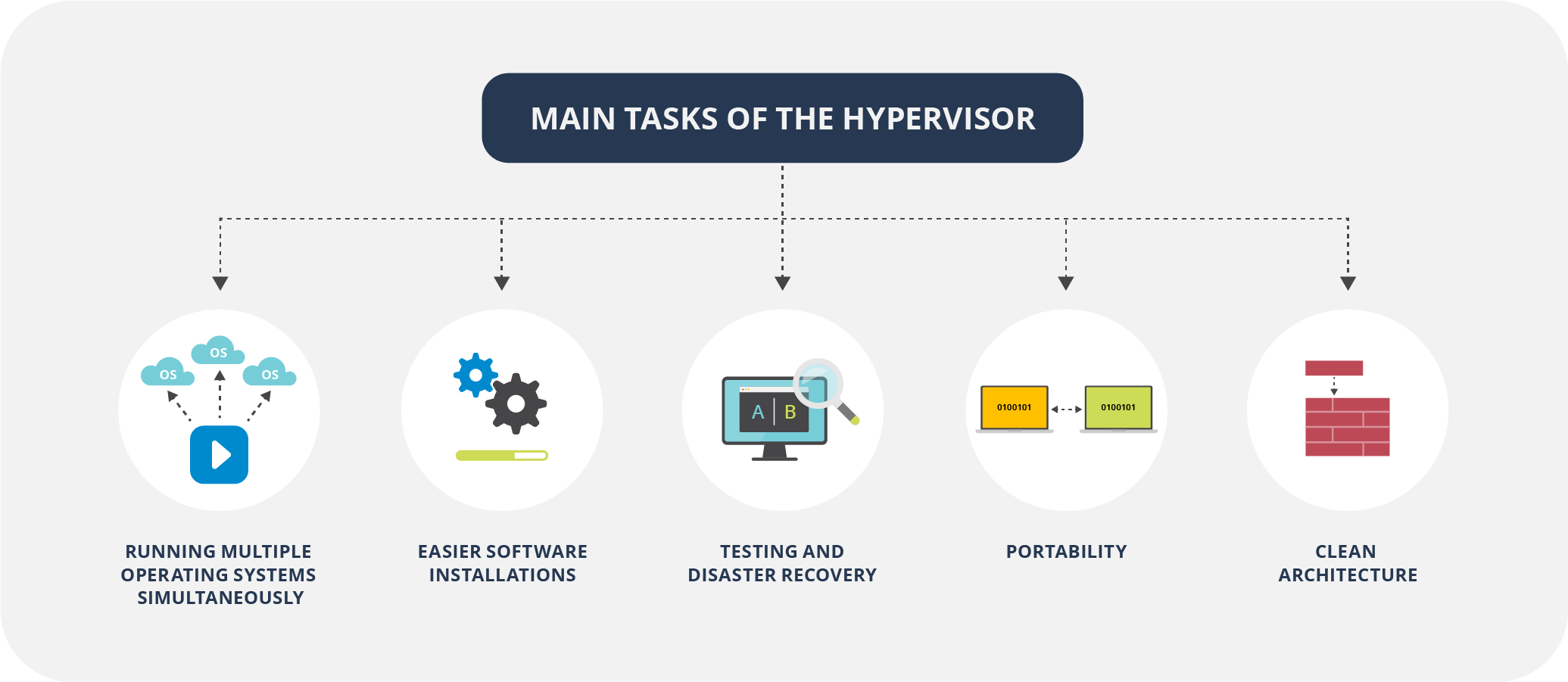
1. The Interaction: How a VM “Talks” to Hardware
Section titled “1. The Interaction: How a VM “Talks” to Hardware”To understand how a VM interacts with hardware, you have to understand Privilege Levels (Rings). In x86 architecture:
- Ring 0: The Kernel (Full hardware access).
- Ring 3: User Applications (Restricted access).
In a non-virtualized system, the OS sits in Ring 0. In a virtualized system, the Hypervisor (VMM - Virtual Machine Monitor) takes over Ring 0.
The Problem: Sensitive Instructions
Section titled “The Problem: Sensitive Instructions”Some CPU instructions are “sensitive”—they can change the state of the hardware (e.g., clearing interrupts or modifying memory maps). If a Guest OS (VM) tries to execute these, it could crash the whole physical host.
The Solution: “Trap-and-Emulate”
Section titled “The Solution: “Trap-and-Emulate””- The VM executes a sensitive instruction.
- The CPU realizes the VM doesn’t have the privilege and triggers an exception (Trap).
- The Hypervisor catches this trap, looks at what the VM was trying to do, validates it, and executes it on the physical hardware on behalf of the VM.
- The Hypervisor then returns the result to the VM.
2. Full vs. Para vs. Hybrid Virtualization
Section titled “2. Full vs. Para vs. Hybrid Virtualization”Full Virtualization (The “Deceiver”)
Section titled “Full Virtualization (The “Deceiver”)”The Guest OS has no idea it is being virtualized. It thinks it is running on real hardware.
- Binary Translation: When the VM tries to run a “non-trappable” sensitive instruction (older x86 CPUs had some instructions that didn’t trigger a trap), the Hypervisor scans the VM’s code in real-time and replaces those instructions with safe code.
- Example: VMware Workstation (Legacy mode), VirtualBox.
Para-virtualization (The “Collaborator”)
Section titled “Para-virtualization (The “Collaborator”)”The Guest OS knows it is a VM.
- OS Modification: The Guest OS kernel is modified. Instead of trying to execute sensitive hardware instructions, it makes a Hypercall.
- Hypercall: Think of this as a “System Call” but for the Hypervisor. The OS says, “Hey Hypervisor, please write this data to the disk for me.”
- Example: Early Xen, IBM z/VM.
Hybrid (Hardware-Assisted)
Section titled “Hybrid (Hardware-Assisted)”Modern CPUs (Intel VT-x, AMD-V) introduced Ring -1. This allows the Hypervisor to sit below Ring 0. The CPU now handles the “Trapping” automatically, eliminating the need for complex Binary Translation or heavy OS modification.
3. Isolation: Why VMs can’t “See” Each Other
Section titled “3. Isolation: Why VMs can’t “See” Each Other”Isolation is enforced via two primary hardware-backed mechanisms:
A. Memory Isolation (SLAT/EPT)
Section titled “A. Memory Isolation (SLAT/EPT)”Hypervisors use Second Level Address Translation (SLAT).
- The VM thinks it has physical memory address
0x001. - The Hypervisor maps that “Guest Physical Address” to a “Host Physical Address” (e.g.,
0x999) using an Extended Page Table (EPT). - The hardware (MMU) prevents VM1 from even “naming” or addressing the memory belonging to VM2.
B. I/O Isolation (IOMMU / VT-d)
Section titled “B. I/O Isolation (IOMMU / VT-d)”This prevents a VM from taking over a PCI device (like a Network Card) and using it to “sniff” traffic from another VM. The IOMMU maps device interrupts and memory access directly to specific VM memory spaces.
4. Cloud Scale: AWS Nitro & “Lightning Fast” VMs
Section titled “4. Cloud Scale: AWS Nitro & “Lightning Fast” VMs”In traditional Type-1 hypervisors (like standard Xen/KVM), the Hypervisor does everything: CPU management, Memory management, and I/O (Networking/Storage) emulation. Emulating I/O is slow and consumes 20–30% of the host CPU (the “Hypervisor Tax”).
The AWS Nitro System
Section titled “The AWS Nitro System”AWS moved all the “heavy lifting” (Networking, Storage, Management) off the main CPU and onto dedicated Nitro Cards (custom ASIC hardware).
- Nitro Hypervisor: A stripped-down, lightweight version of KVM that only handles CPU and Memory isolation. It is so small it is nearly invisible.
- Nitro Cards: Dedicated hardware that handles VPC networking and EBS storage. When an EC2 instance wants to write to a disk, it talks directly to the Nitro hardware, not the host CPU.
- The Result: Nearly 100% of the physical CPU power is available to your VM, and “Booting” is fast because the hardware handles the resource allocation in parallel.
5. In-Depth Resources for Study
Section titled “5. In-Depth Resources for Study”Core Concepts & Papers
Section titled “Core Concepts & Papers”- “Analysis of the Intel Pentium’s Ability to Support a Secure Virtual Machine Monitor” (Goldberg & Popek): The foundational paper on virtualization requirements.
- Intel 64 and IA-32 Architectures Software Developer’s Manual (Volume 3C): Specifically for “VMX” (Virtual Machine Extensions). This is the “Bible” for how x86 virtualization works at the silicon level.
Hands-on Exploration
Section titled “Hands-on Exploration”- KVM Internal documentation: Search for “KVM API” to see how
ioctlcalls are used to create VMs in Linux. - QEMU Source Code: Look at the
target/i386/directory to see how instructions are emulated.
Cloud Specifics
Section titled “Cloud Specifics”- AWS Whitepaper: “The Underpinnings of the Next Generation of EC2 Instances” (Nitro System).
- Firecracker MicroVM: An open-source project by AWS that uses KVM to spin up VMs in < 125ms (used for Lambda).
VMs in Cloud
Section titled “VMs in Cloud”- GCP Compute Engine, AWS EC2 etc… cost effective and best for quick starts
- GCP cost calulator for VMs
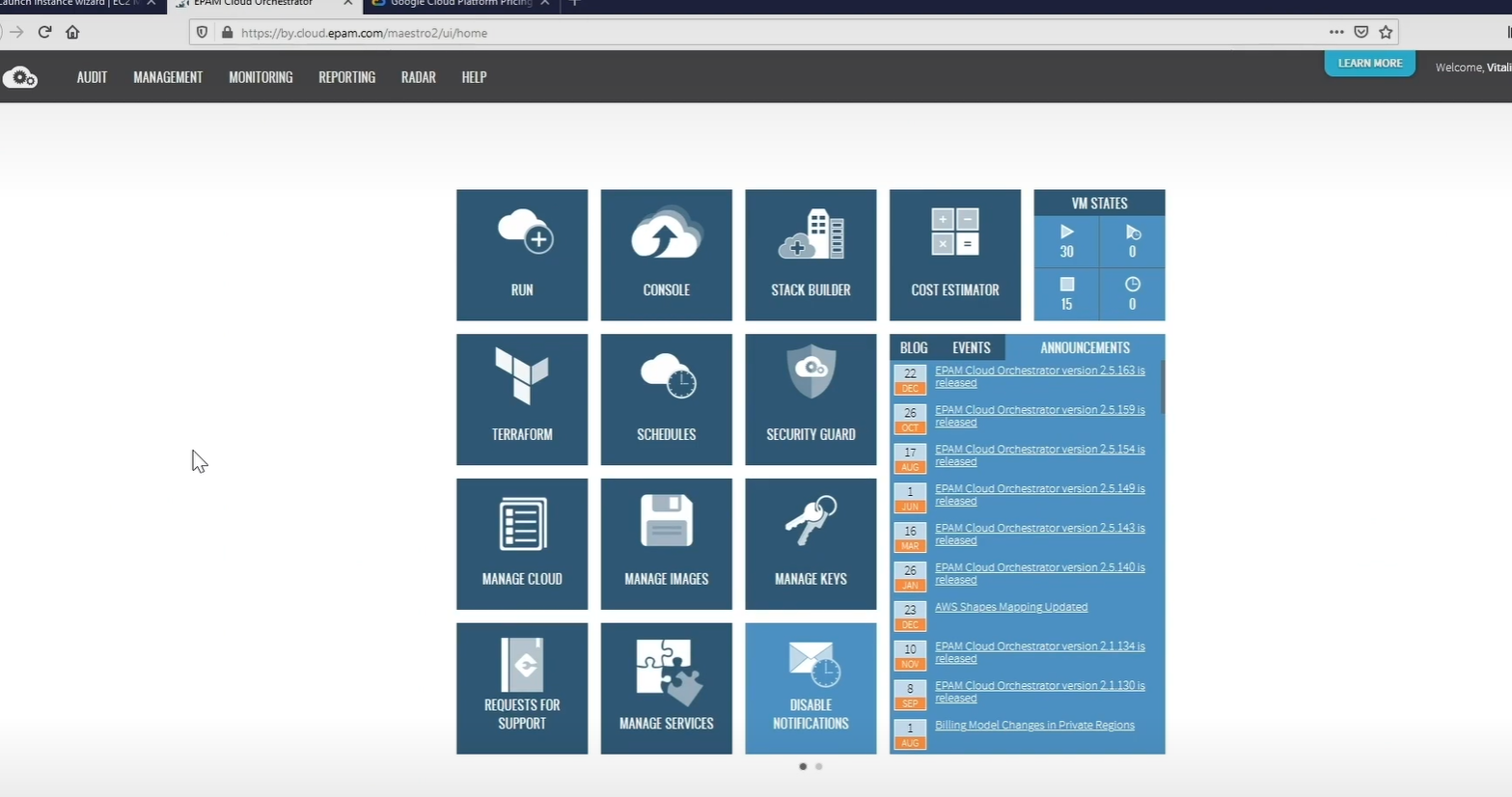
- EPAM cloud Orchestrator
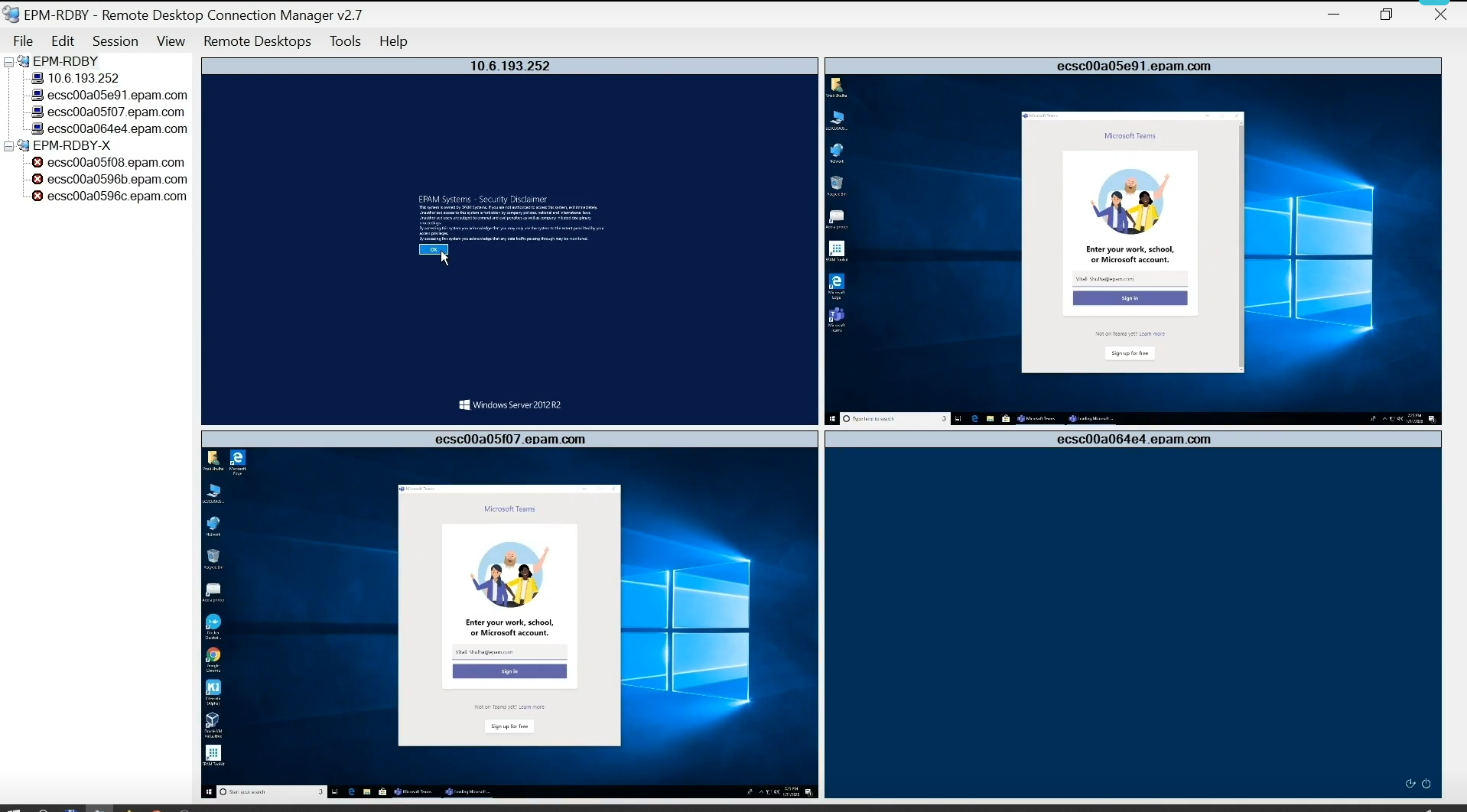
- Remote desktop connection manager…
- Useful for..
- Testing in diff enviroments..
- scalability - up/down..