

Docker on Windows & Mac OS
The core concept to understand when running Docker on different operating systems is The Kernel Rule: Containers share the underlying operating system’s kernel. Because of this, a Linux container fundamentally requires a Linux kernel to run, and a Windows container requires a Windows kernel.
Because most developers use Windows or Mac laptops—but deploy to Linux servers—Docker had to engineer workarounds to run Linux containers on non-Linux machines. Here is a detailed breakdown of how Docker achieves this on both Windows and Mac architectures.
Docker on Windows
Section titled “Docker on Windows”There are two primary ways to run Docker on Windows, along with a major evolution that introduced native Windows containers.
1. The Legacy Route: Docker Toolbox
Section titled “1. The Legacy Route: Docker Toolbox”Before Windows had strong native virtualization, Docker relied on a third-party workaround.
-
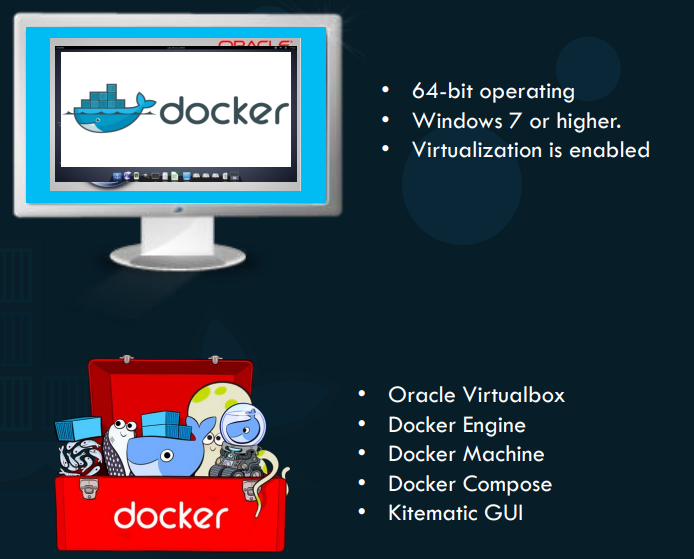
How it works: You install Docker Toolbox, which installs Oracle VirtualBox. VirtualBox then spins up a tiny, lightweight Linux Virtual Machine (called Boot2Docker). Docker runs inside that Linux VM, allowing you to run Linux containers on your Windows machine.
-
Requirements: 64-bit Windows 7 or higher.
-
Limitations: It feels clunky because you are managing a 3rd-party VM, and it is strictly for running Linux containers.
2. The Modern Route: Docker Desktop for Windows
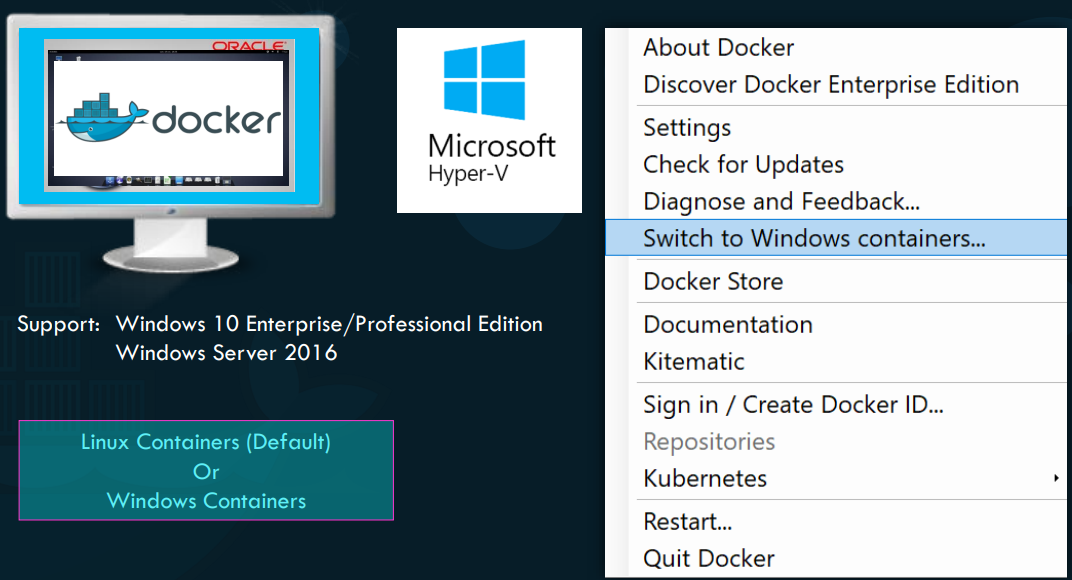
Section titled “2. The Modern Route: Docker Desktop for Windows”This is the current standard. It strips out Oracle VirtualBox and replaces it with Windows’ own native enterprise-grade hypervisor: Microsoft Hyper-V.
- How it works: When installed, Docker Desktop seamlessly and invisibly creates a Linux VM using Hyper-V. Because it uses the native OS hypervisor, it is much faster, more stable, and deeply integrated into the Windows file system and network.
- Requirements: Windows 10 Professional/Enterprise or Windows Server 2016 (Home editions natively lacked Hyper-V in the past).
- Important Conflict: VirtualBox and Hyper-V cannot run at the same time. If you upgrade from Toolbox to Desktop, you must fully migrate and remove VirtualBox.
3. The Evolution: Native Windows Containers
Section titled “3. The Evolution: Native Windows Containers”Introduced alongside Windows Server 2016, Microsoft engineered the ability to run native Windows applications inside actual Windows containers (no Linux VM required).
When running native Windows containers, there are two isolation modes:
- Windows Server Containers: The standard container model. The container shares the Windows kernel directly with the host machine.
- Hyper-V Isolation: A highly secure mode where each container gets its own highly optimized, microscopic virtual machine. This guarantees complete kernel isolation between the container and the host (useful for multi-tenant environments).
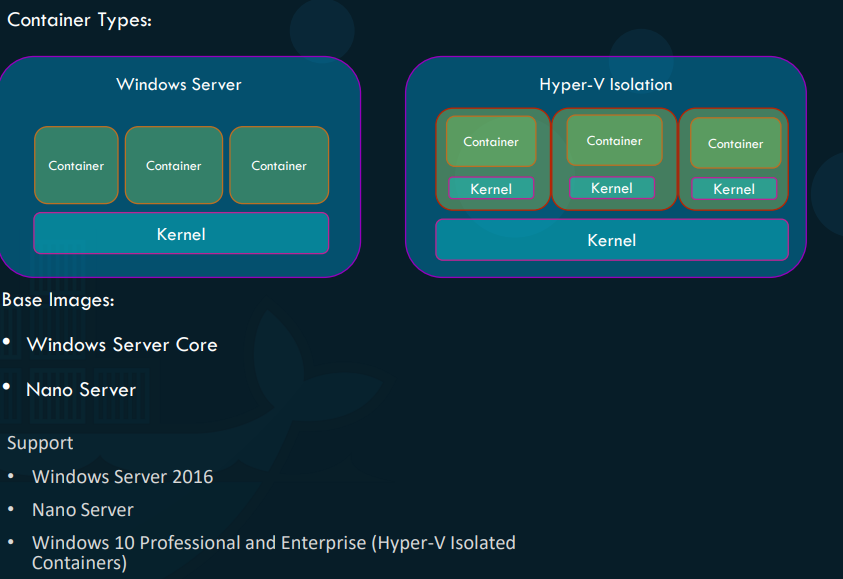
Windows Base Images: Just like Linux has Ubuntu or Alpine, Windows has its own base images for containers:
- Windows Server Core: A heavier, more complete Windows environment.
- Nano Server: A stripped-down, headless, extremely lightweight version of Windows (similar in philosophy to Linux Alpine).
Docker on Mac
Section titled “Docker on Mac”Docker on Mac follows an almost identical evolutionary path to Windows, but with one massive distinction: There are no “Mac Containers.” Docker on Mac is exclusively designed to run Linux containers on MacOS hardware.
1. The Legacy Route: Docker Toolbox
Section titled “1. The Legacy Route: Docker Toolbox”Just like on Windows, early Mac support relied on Oracle VirtualBox.
-
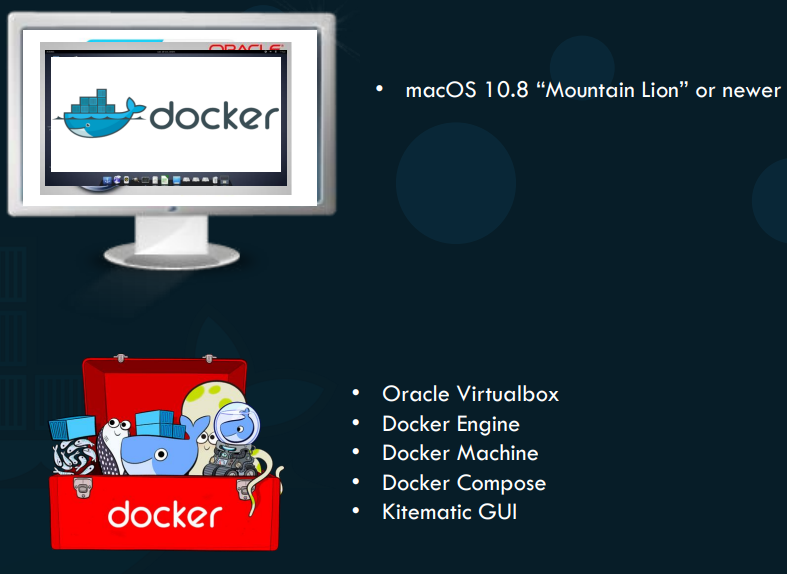
How it works: It provisions a Boot2Docker Linux VM via VirtualBox to host the Docker Engine.
-
Requirements: macOS 10.8 or newer.
2. The Modern Route: Docker Desktop for Mac
Section titled “2. The Modern Route: Docker Desktop for Mac”Apple eventually introduced its own native virtualization framework, eliminating the need for VirtualBox.
-
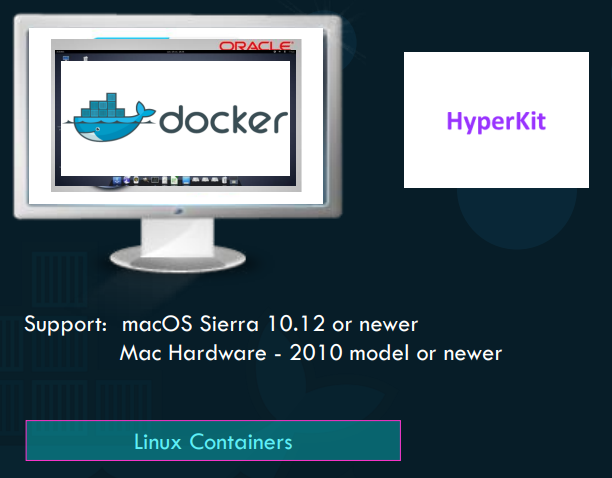
How it works: Docker Desktop utilizes Apple’s native HyperKit hypervisor. It provisions an invisible, highly optimized Linux VM directly into macOS. This makes file sharing and port forwarding between your Mac and your containers feel instantaneous and native.
-
Requirements: macOS Sierra 10.12 or newer, running on Mac hardware from 2010 or newer.
Summary of the Architecture
Section titled “Summary of the Architecture”To put it simply:
- If you run Docker on Linux, it is 100% native. No VMs are involved.
- If you run Linux containers on Windows or Mac, Docker is secretly running a hyper-optimized Linux Virtual Machine in the background to act as the host.
- If you run Windows containers on Windows, it is native (unless you explicitly choose Hyper-V isolation for security).